You are already in the store
Large text and a single focused list make it easier to check the next item while walking between shelves.
A shopping list for the aisle, not the sofa
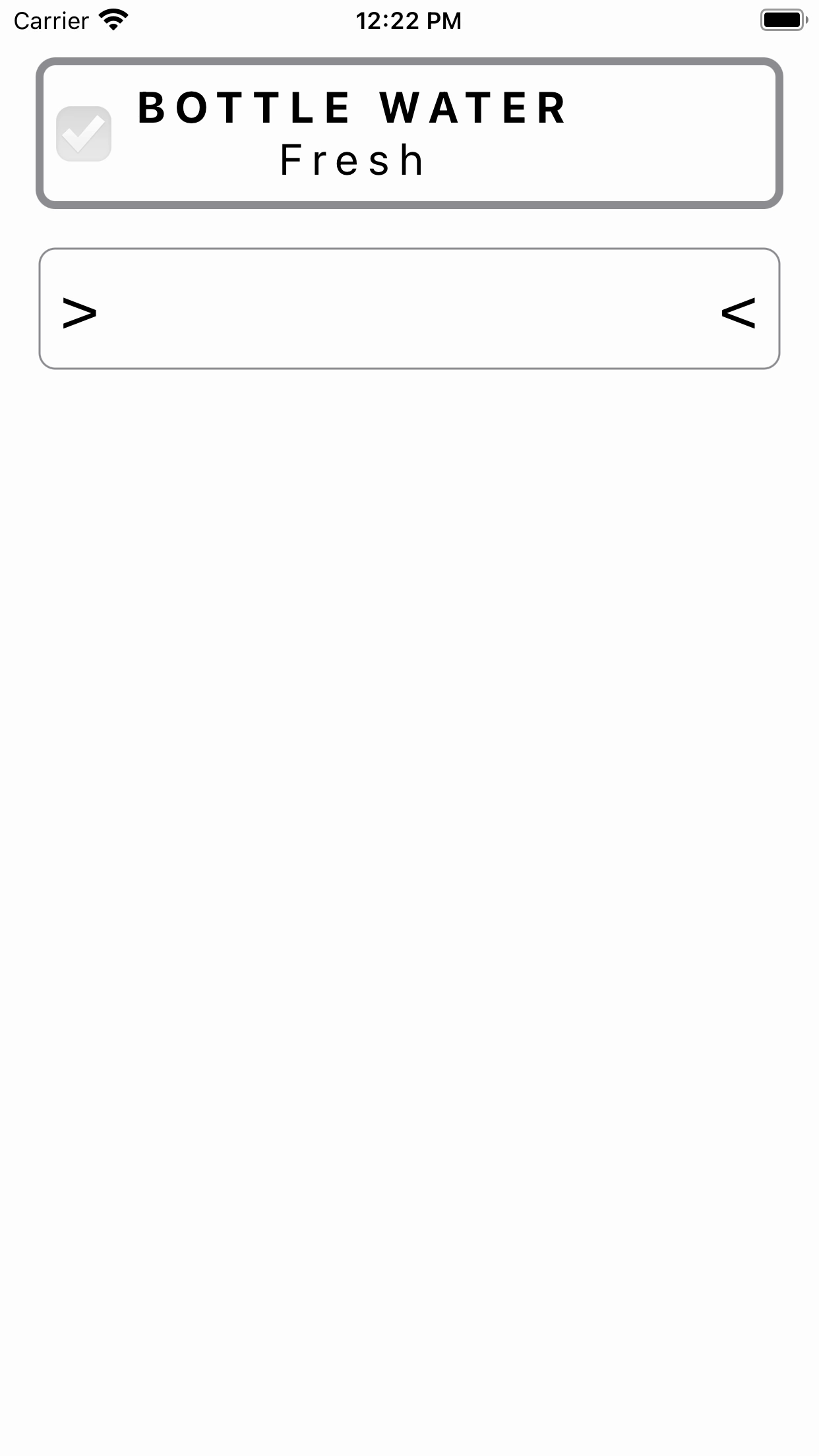
Open the list, read it quickly, tick the item and keep moving. Ostu Nimekiri is built for ordinary grocery trips where speed, large text and low ceremony matter more than clever dashboards.

Why it exists
Many shopping apps try to become meal planners, price databases or household systems. Ostu Nimekiri keeps the habit closer to a paper note: write what you need, group it if that helps, mark it as bought and move on.
The difference is that the phone can remember your list, keep bought items available for reuse, show the text large enough in a shop, and let you attach a photo when the exact product matters.
Use cases
Large text and a single focused list make it easier to check the next item while walking between shelves.
Move items between bought and not-bought states instead of typing the same staples from scratch every time.
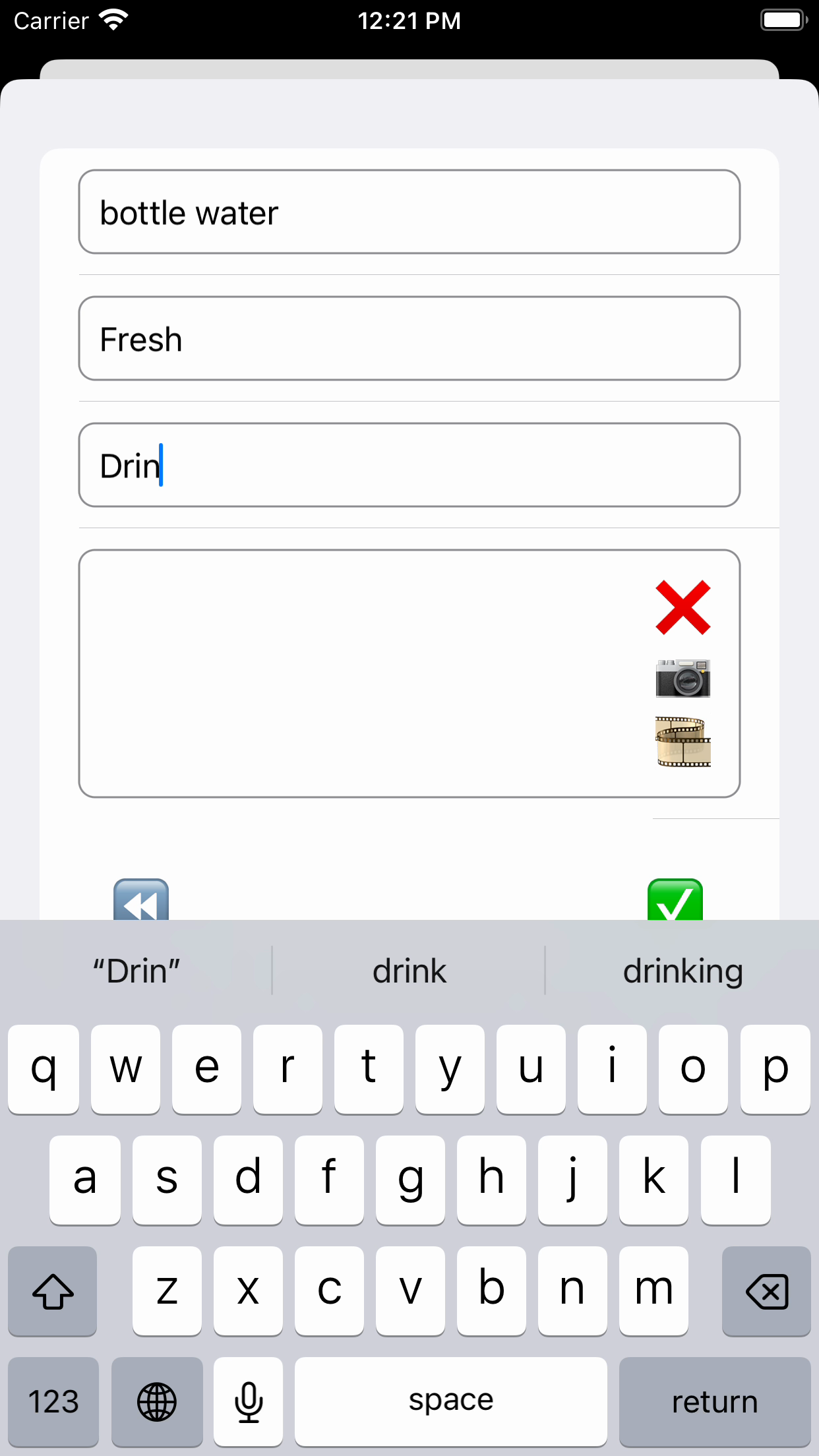
Add a photo to an item when the package, brand or variant is easier to remember visually than by text.
One list, big text
The app keeps the main flow direct: items to buy, items already bought, and a clear action to move between them. It is meant for the real shopping rhythm where you glance, tap and continue.
Groups when they help
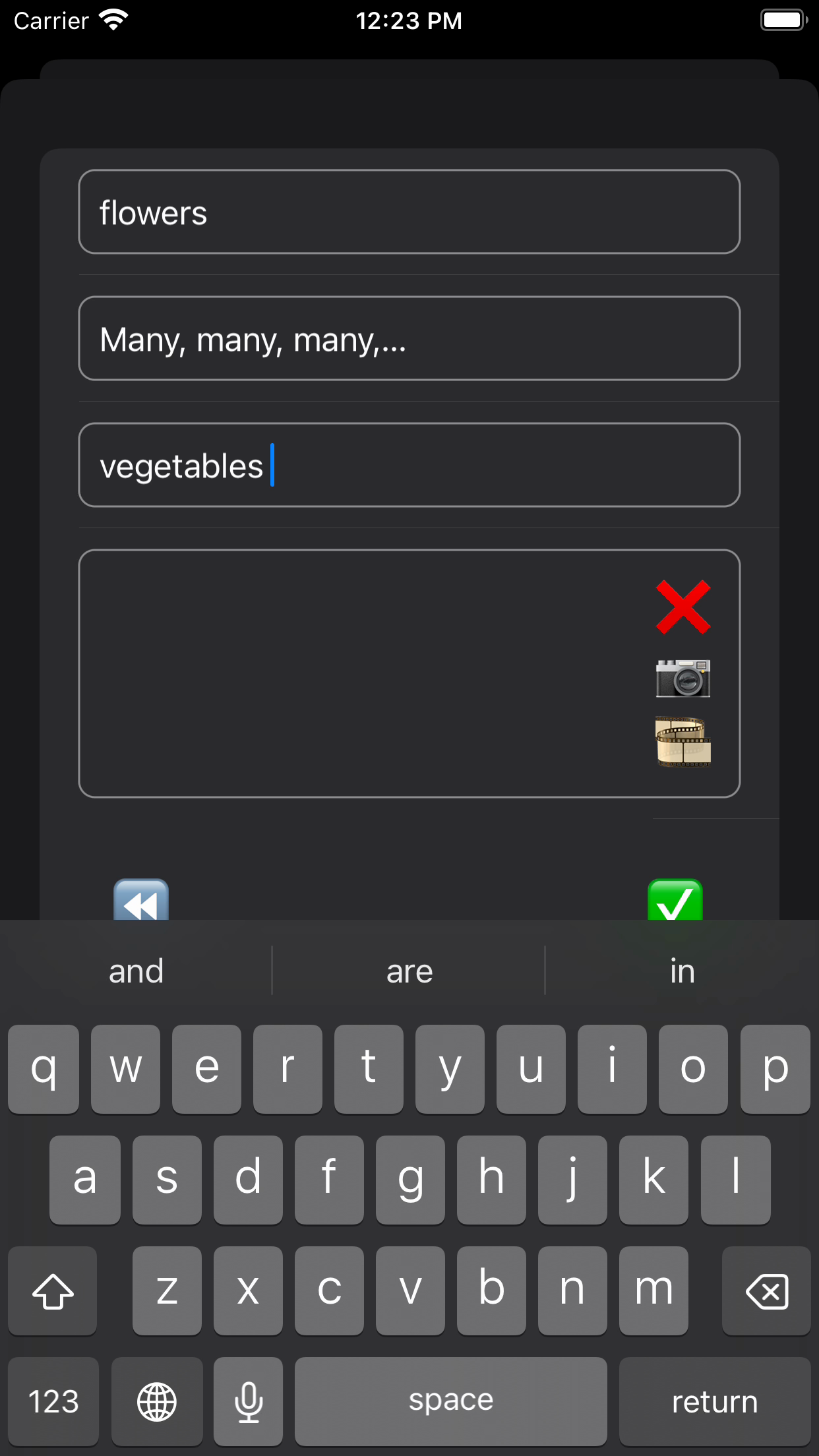
Groups are there for practical store navigation. Use them when they make the trip faster, hide a group when you do not need it, and reuse suggestions when the same group names come back.
Photo memory
If someone asks for a very specific item, text may not be enough. Ostu Nimekiri can keep a small item photo from the camera or photo library so the right product is easier to find later.
For the list you actually use