
You invest through more than one broker
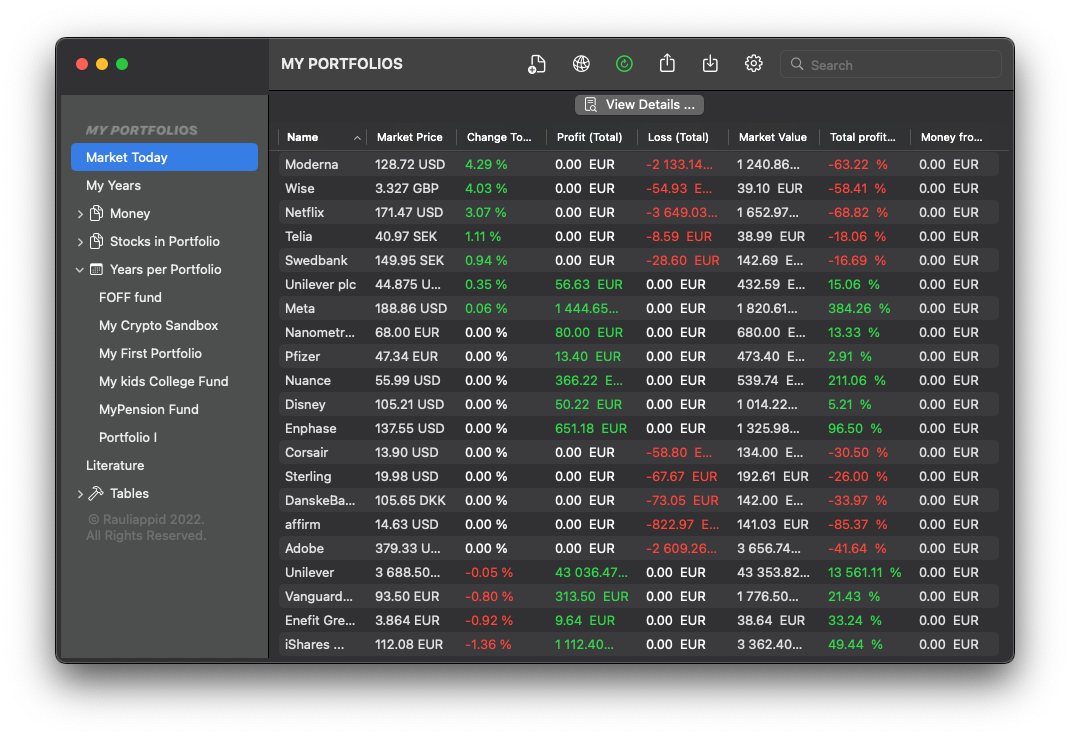
Keep portfolios and brokers separate when needed, then review holdings across them when you want the whole picture.
Private investment workspace on your Mac
For investors whose history is bigger than one broker screen. Track transactions, portfolios, currencies, prices and reports in one local macOS workspace.
Why it exists
Broker screens are useful for the account you are looking at today. They become less useful when you have several portfolios, more than one broker, transfers, dividends, fees, currencies, crypto and years of transactions that need to be understood together.
My Portfolios Pro starts from the transaction record. From there it can build portfolio views, yearly reports, stock-level detail and average price calculations without handing your investment notes to a web account.
Use cases
Keep portfolios and brokers separate when needed, then review holdings across them when you want the whole picture.
Connect buys, sells, dividends, fees, deposits, withdrawals, prices and rates so yearly views explain how the portfolio changed.
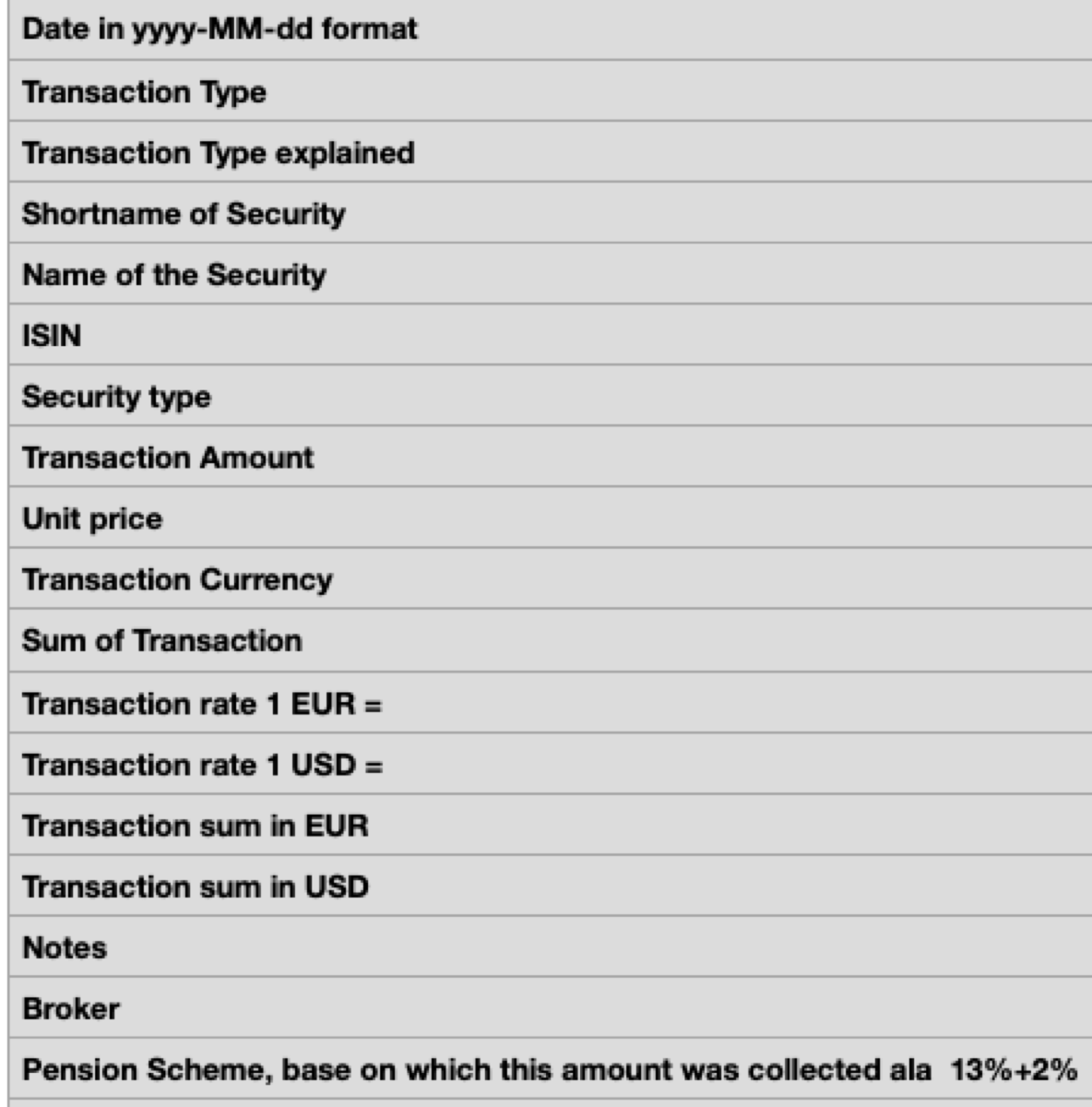
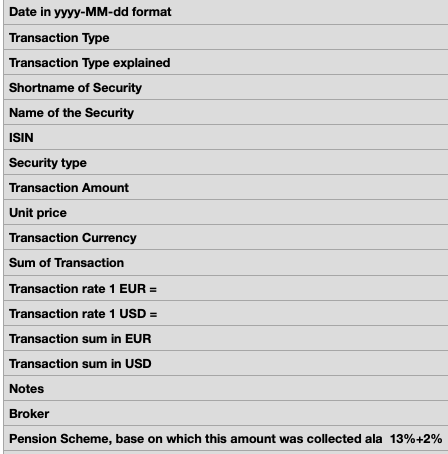
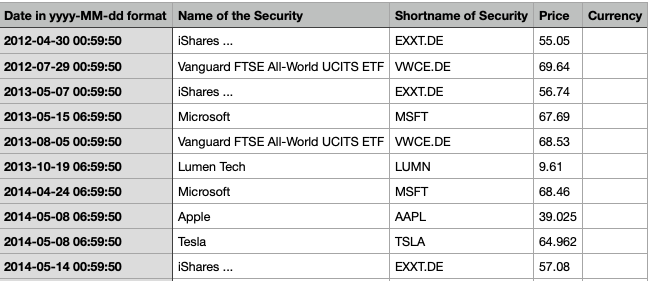
Import and export CSV files, enter missing prices manually and keep the main portfolio data locally on your Mac.
Transaction based tracking
Record the investment story as transactions: buys, sells, money movements, fees and dividends. The app is designed for people who need the accounting trail, not just today's market value.
Prices, rates and currencies
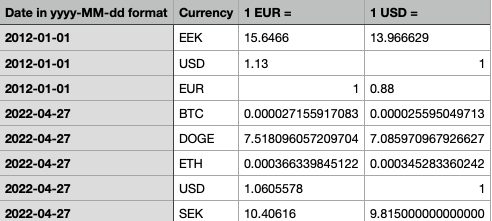
My Portfolios Pro can work with prices and rates from Yahoo Finance where available, and it also lets you enter or import values manually. That matters when a report needs to combine holdings, cash, currencies and crypto without pretending every position lives in the same world.
Reports and calculations
When the ledger is in place, reports can answer better questions: what happened this year, how one stock looks across portfolios, how one portfolio changed, and what the average price looks like using FIFO or LIFO logic.
Local data control
The app is built as a Mac workspace. Your portfolio records are kept locally, while import and export tools make it possible to move data in and out when your workflow needs it.
Use the app as your private investment ledger: structured enough for reports, close enough to your own records to stay understandable.
For long-term investors who keep records